How to open an app with a keyboard shortcut on a Mac
macOS doesn’t give apps their own hotkeys out of the box, but there are built-in ways to get close. Here’s how to open any app from the keyboard, from the two-step Spotlight way to a true one-press shortcut.
No setup: press ⌘␣, type the app’s name, press Return.
One key combination: in the Shortcuts app, make a shortcut with the Open App action, then click Add Keyboard Shortcut in its details and press the keys you want.
The quickest built-in way: Spotlight
Spotlight is two shortcuts away from any app:
- Press ⌘␣ (Command-Space).
- Type the first letters of the app’s name.
- Press Return when it’s highlighted.
If the app is already open, this brings it to the front. In recent versions of macOS, press ⌘1 in Spotlight to show only apps.
Give an app its own keyboard shortcut with the Shortcuts app
The Shortcuts app, built into macOS, can open an app from a key combination you choose. It takes a minute to set up per app.
- Open Shortcuts (it’s in your Applications folder) and make a new shortcut.
- Add the Open App action: search the actions for “Open App”, add it, then click the app placeholder and choose your app.
- Open the shortcut’s details and click Add Keyboard Shortcut.
- Press the keys you want, such as ⌃⌥⌘M.
Now that key combination opens the app from anywhere. Some combinations are already used by macOS and can’t be chosen. To remove the shortcut, click the field in the shortcut’s details and press Delete.
Pick combinations with three modifier keys so they don’t clash with shortcuts inside your apps. Not sure what ⌃ ⌥ ⌘ mean? See every Mac keyboard symbol.
Spotlight quick keys
In recent versions of macOS, Spotlight can also run actions and shortcuts. You can give an action short quick keys: in Spotlight, click Add quick keys next to the action and type a few letters. Next time, type those letters in Spotlight to run it. It’s still two steps (open Spotlight, then type), but it’s short.
Other ways to get to an app fast
- The Dock: keep your everyday apps in it. Drag an app’s icon into the Dock to keep it there.
- Command-Tab: if the app is already open, ⌘⇥ switches to it. See how to switch windows on a Mac.
- Open at login: add the apps you always use in System Settings › General › Login Items & Extensions, so they’re waiting when you start up.
One key per app with Tilemode
The Shortcuts app works, but it’s one shortcut per app to build, and pressing the key again doesn’t do anything more. Tilemode, our Mac app, makes app hotkeys its main job:
- Press the key: if the app is closed, it opens; if it’s open, it comes to the front.
- Press it again: go through that app’s windows one by one.
- Websites too: turn a site into its own app, with its own icon, Dock spot, logins and key. It can open straight into the half of the screen you choose.
- Set it once: type the keys and the app in Settings › Hotkeys. Tilemode won’t take a combination macOS already uses.
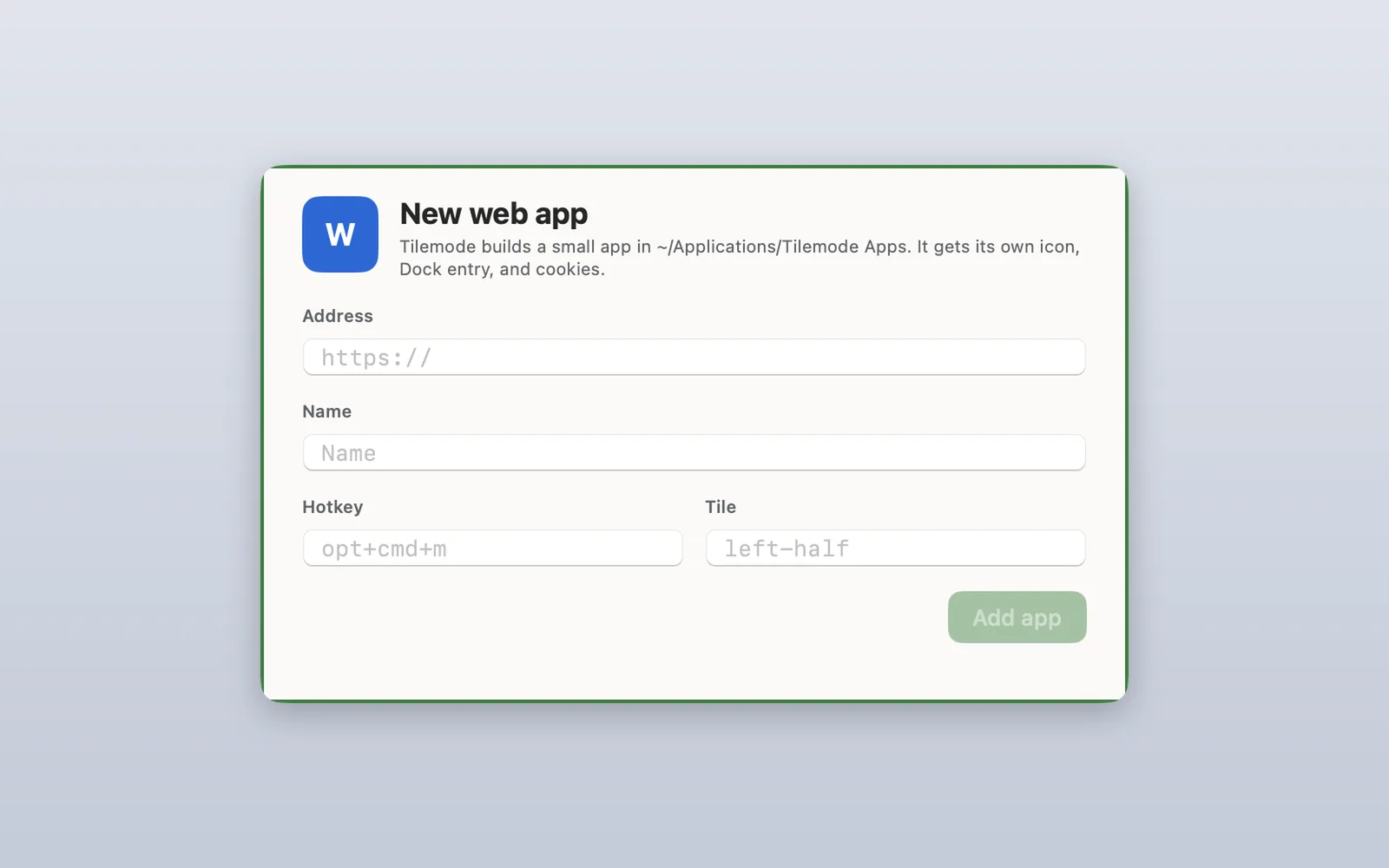
Tilemode also tiles windows with ⌃⌥ shortcuts, and it needs macOS 14 or later.
Questions
How do I open an app with a keyboard shortcut on a Mac?
Use the Shortcuts app: make a shortcut with the Open App action, choose your app, then open the shortcut’s details, click Add Keyboard Shortcut and press the keys you want. Or press Command-Space, type the app’s name and press Return.
How do I make a custom keyboard shortcut on a Mac?
For opening apps or running tasks, use the Shortcuts app and click Add Keyboard Shortcut in a shortcut’s details. To change a menu command’s shortcut in an app, go to System Settings › Keyboard › Keyboard Shortcuts › App Shortcuts.
What is the Spotlight shortcut on a Mac?
Command-Space. Type to search, and press Return to open the top result. You can change the shortcut in System Settings › Keyboard › Keyboard Shortcuts › Spotlight.
Why doesn’t my Shortcuts keyboard shortcut work?
Some key combinations are already used by macOS or by the app in front, and those win. Choose a combination with three modifier keys, such as Control-Option-Command plus a letter.
Can a hotkey bring an app to the front if it’s already open?
Yes. Opening an app that’s already running brings it to the front, whether you use Spotlight, the Shortcuts app or Tilemode.
Can I open a website with a keyboard shortcut?
Yes. In the Shortcuts app, use an Open URLs action instead of Open App. Tilemode can also turn a site into its own app with its own key and Dock icon.
How do I remove a keyboard shortcut from a shortcut?
Open the shortcut’s details in the Shortcuts app, click the keyboard shortcut field and press Delete.
Is there a hotkey to see all my apps?
In macOS Tahoe 26 and later, press Fn-Shift-A to open Apps. You can also open Spotlight with Command-Space and press Command-1 to list only apps.