How to switch windows on a Mac
Looking for Alt-Tab on a Mac? It’s Command-Tab, but it works a little differently: it switches apps, and a second shortcut switches windows. Here’s every built-in way to get to the window you want.
Switch apps: press ⌘⇥ (Command-Tab). Hold ⌘ and keep tapping Tab to pick an app further along.
Switch windows of the same app: press ⌘` (Command and the key above Tab). See everything: press ⌃↑ for Mission Control.
Command-Tab: the Mac’s Alt-Tab
On a Mac, Alt-Tab is ⌘⇥ (Command-Tab). It switches between apps, not windows.
- Press ⌘⇥ and let go to jump back to the app you used last. Press it again to flip back.
- Hold ⌘ and tap Tab to walk along the row of app icons. Let go of ⌘ on the one you want.
- While the row is showing, you can also use the arrow keys or the pointer to pick an app. Press Esc or Period to cancel.
The apps are in the order you last used them, so the one you want is usually one or two taps away.
Switch between windows of the same app
Command-Tab brings an app forward, but if it has three windows open you get whichever was last in front. To move between windows inside one app:
- ⌘` (Command and the key above Tab) goes to the next window of the app you’re in.
- ⇧⌘` goes the other way.
- Window menu: most apps list their open windows at the bottom of the Window menu.
On some keyboard layouts the key above Tab has a different symbol. It’s the same key.
See all open windows: Mission Control and App Exposé
When you’d rather look than cycle, spread everything out:
- Mission Control: press ⌃↑, press the Mission Control key (F3 on many keyboards), or swipe up with three fingers. Every window shows at once; click one to go to it.
- App Exposé: press ⌃↓ to see only the windows of the app you’re in. With App Exposé turned on in System Settings › Trackpad, you can also swipe down with three or four fingers.
- Another app’s windows: Control-click its icon in the Dock and choose Show All Windows.
If Mission Control feels cluttered, turn on Group windows by application in System Settings › Desktop & Dock.
Mac window switching shortcuts
| Keys | What it does |
|---|---|
| ⌘⇥ | Switch to the app you used last |
| ⌘⇥ then ←/→ | Keep holding ⌘ and pick an app with the arrow keys; Esc cancels |
| ⌘` | Next window of the app you’re in |
| ⇧⌘` | Previous window of the app you’re in |
| ⌃↑ | Mission Control: every open window |
| ⌃↓ | App Exposé: every window of the app you’re in |
| ⌘H | Hide the app you’re in |
| ⌘M | Minimize the window |
| ⌘␣ | Spotlight: type an app’s name to open or switch to it |
Want the whole list? See the Mac keyboard shortcuts cheat sheet. Coming from a PC? Here’s where the Windows keys went.
One key for each app
Command-Tab is quick for the last app or two, but finding the fifth one means tapping and looking. Tilemode, our Mac app, lets you give each app its own key:
- Press the app’s key and it comes to the front. If it isn’t running, it opens.
- Press it again to move through that app’s windows.
- Works for websites too: turn a site you live in into its own app with its own key and Dock icon.
- ⌃⌥← ⌃⌥→ Jump to the window to the left or right, when you have several side by side.
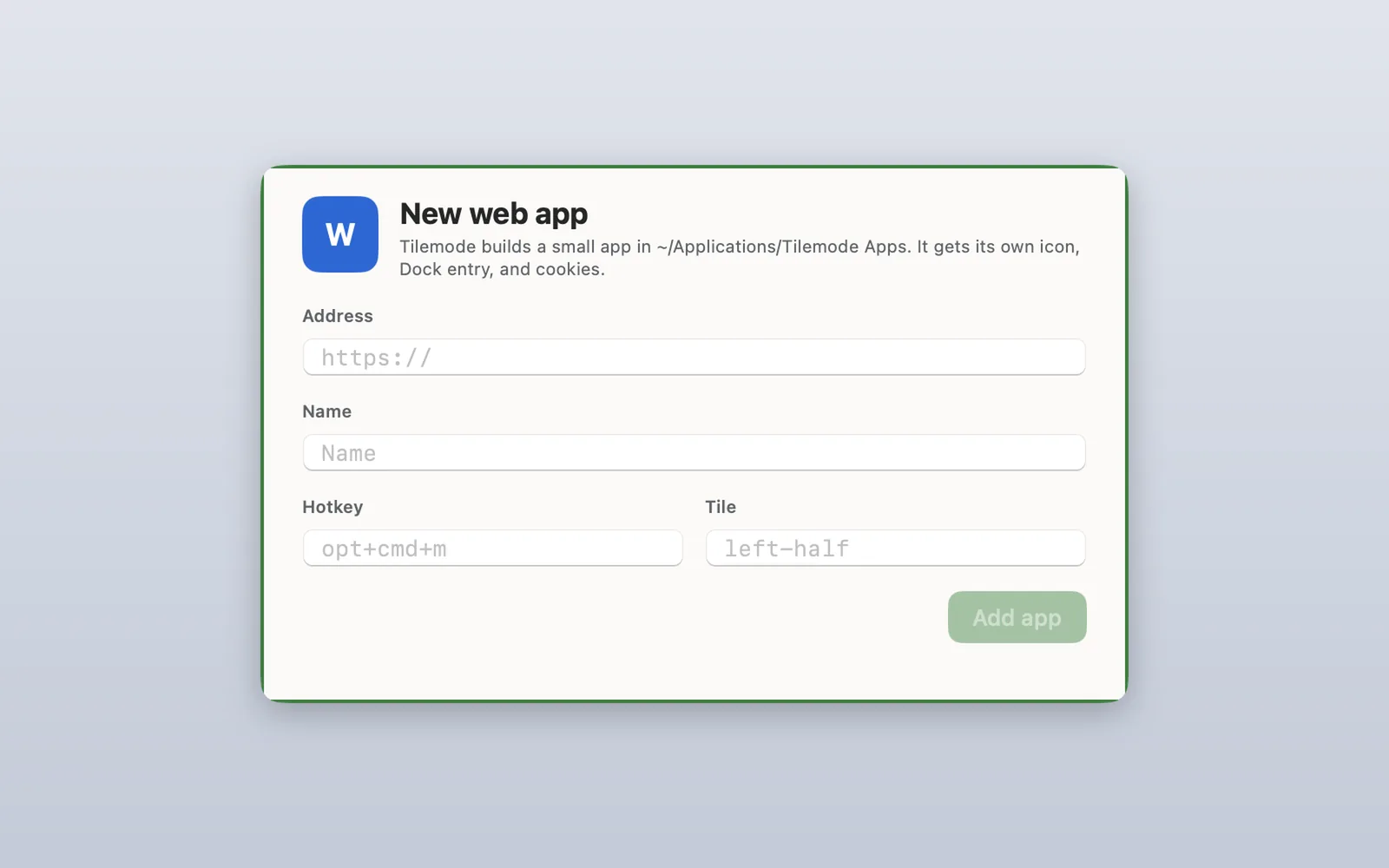
Set a key in Tilemode’s Settings › Hotkeys. Tilemode won’t take a key combination macOS already uses. It needs macOS 14 or later.
Window switching not working?
- Command-Tab shows the app but no window: its windows may be minimized or closed. Click the app’s icon in the Dock, or the minimized window on the right side of the Dock.
- Command-` does nothing: the app only has one window open. Open another with Command-N, or check the Window menu.
- Control-Up Arrow does nothing: open System Settings › Keyboard, click Keyboard Shortcuts, then choose Mission Control and check the shortcut is turned on.
- You see too many windows: press Control-Down Arrow to see only the app you’re in.
Questions
What is Alt-Tab on a Mac?
Command-Tab. Press it to switch to the app you used last, or hold Command and keep pressing Tab to pick another app from the row.
How do I switch between windows of the same app on a Mac?
Press Command-` (the key above Tab) to go to the next window of the app you’re in, and Shift-Command-` to go back. Or press Control-Down Arrow to see all of that app’s windows.
How do I see all open windows on a Mac?
Open Mission Control: press Control-Up Arrow, press the Mission Control key, or swipe up with three fingers. Click any window to go to it.
Why does Command-Tab switch apps and not windows?
On a Mac, windows belong to apps. Command-Tab moves between apps; Command-` moves between the windows of the app you’re in.
How do I go backwards in the Command-Tab switcher?
Keep holding Command and use the Left Arrow key, or point at the app you want. Press Esc to cancel without switching.
How do I switch between full screen apps?
Swipe left or right with three or four fingers on the trackpad, or use Command-Tab to pick the app.
How do I close or hide windows while switching?
Press Command-W to close the window you’re in, Option-Command-W to close all of that app’s windows, Command-M to minimize it, or Command-H to hide the app.
Can I give each app its own keyboard shortcut?
Yes. The Shortcuts app can open an app from a keyboard shortcut you set, and Tilemode gives any app or website a key that opens it or brings it to the front.